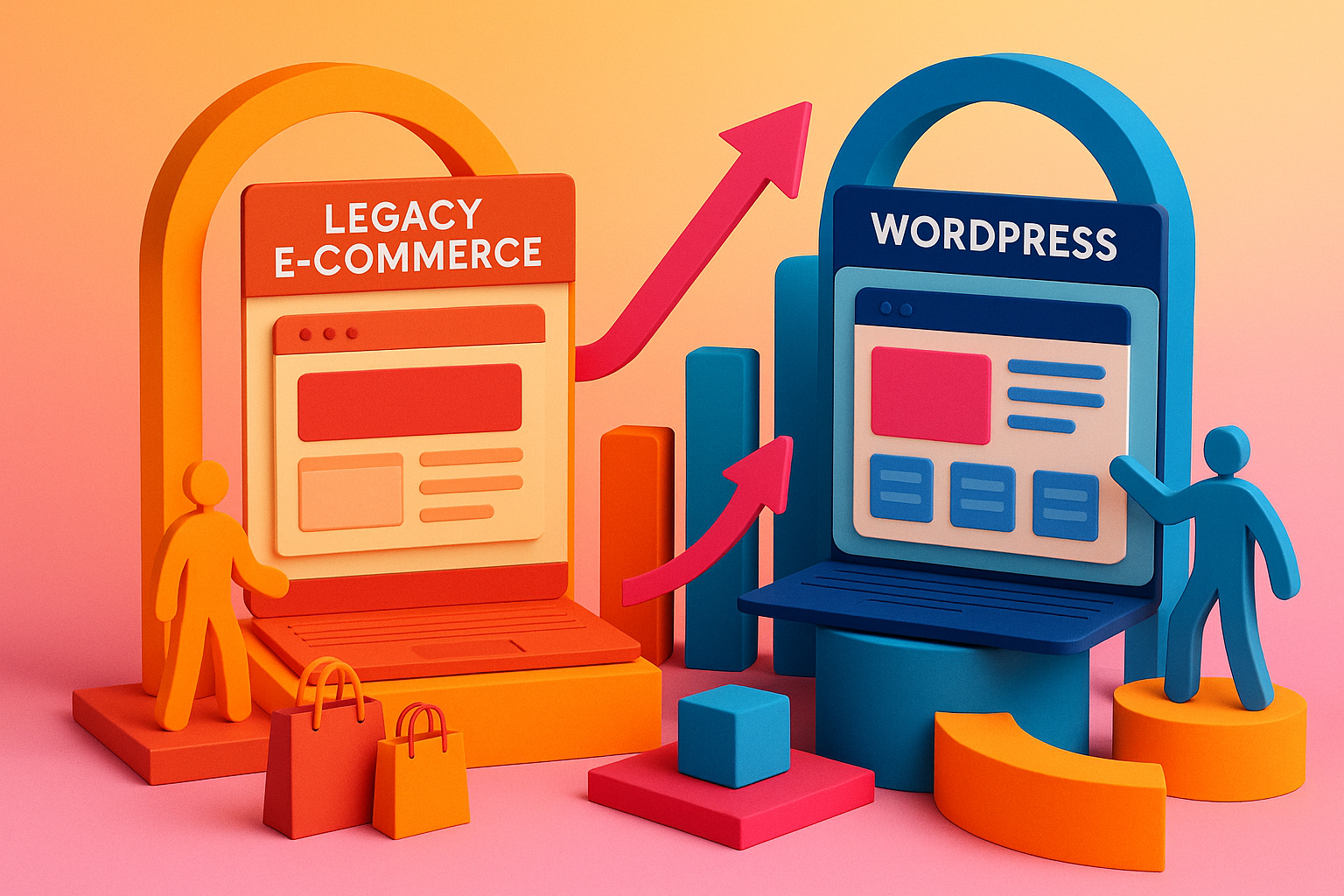
Facing the Challenge of Outdated E-Commerce Platforms
As an e-commerce brand, you know that a sluggish, outdated website can drive customers away faster than a slow checkout process. If your current platform feels like it’s stuck in the early 2000s, it’s time to consider a migration to WordPress. Not only can this breathe new life into your online store, but it can also boost sales and customer satisfaction.
Why Migrate to WordPress?
WordPress isn’t just for bloggers anymore. It’s a robust content management system (CMS) that powers a significant portion of the web, including many successful e-commerce sites. By migrating, you can:
- Enhance Performance: WordPress offers a range of themes and plugins optimized for speed, ensuring your site loads quickly, a crucial factor for retaining customers.
- Improve User Experience: With customizable themes and intuitive navigation, WordPress allows you to create a seamless shopping experience that keeps customers coming back.
- Access a Wealth of Plugins: From inventory management to customer reviews, WordPress’s extensive plugin ecosystem can add valuable features to your site without reinventing the wheel.
Steps to Migrate Your E-Commerce Site to WordPress
Embarking on this migration journey might seem daunting, but breaking it down into manageable steps can simplify the process:
1. Assess Your Current Site
Begin by evaluating your existing website. Identify which features are essential, which ones are outdated, and which ones can be improved. This assessment will serve as a roadmap for your migration.
2. Choose the Right Hosting Provider
A reliable hosting provider is the backbone of your WordPress site. Look for one that offers excellent uptime, fast load times, and robust security features. Managed WordPress hosting services like WP Engine or SiteGround are popular choices among e-commerce brands.
3. Select a Responsive Theme
Your theme sets the tone for your brand’s online presence. Choose a responsive, mobile-friendly theme that aligns with your brand identity. Themes like Astra or OceanWP are known for their e-commerce capabilities and customization options.
4. Migrate Content and Data
Transferring your product catalogs, customer data, and order history is a critical step. Tools like the WordPress Importer can assist in moving content, but ensure you map product categories and attributes correctly to maintain organization.
5. Implement Essential Plugins
Enhance your site’s functionality with plugins tailored for e-commerce. WooCommerce is the go-to plugin for adding e-commerce capabilities to WordPress. Additionally, consider plugins for SEO optimization, security, and performance enhancement.
6. Test and Optimize
Before going live, thoroughly test your site. Check for broken links, ensure the checkout process is smooth, and verify that all functionalities work as intended. Optimization tools can help improve site speed and performance.
Real-World Success: Mid Century Mobler’s Migration
Consider the case of Mid Century Mobler, a high-end vintage furniture retailer. They migrated their existing WordPress website to Shopify, aiming to improve user experience and streamline ordering processes. The result? A 30% increase in online sales and a 40% reduction in bounce rates. While they moved to Shopify, the principles of migration—assessing needs, choosing the right platform, and optimizing for performance—are universal and applicable to WordPress migrations as well.
Tips for a Smooth Migration
- Backup Everything: Before making any changes, ensure you have a complete backup of your current site. This safety net allows you to revert to the original if something goes awry during migration.
- Plan for SEO: Maintain your site’s SEO rankings by setting up proper redirects and ensuring that your new site structure is search engine-friendly.
- Test Extensively: Conduct thorough testing to identify and fix any issues before your new site goes live. This includes testing the checkout process, payment gateways, and mobile responsiveness.
Involving Experts: Lines + Pixels
At Lines + Pixels, we specialize in helping e-commerce brands navigate the complexities of website migrations. Our team can assist you in assessing your current site, planning the migration strategy, and implementing the necessary changes to ensure a smooth transition to WordPress. While we won’t delve into a sales pitch here, feel free to reach out to us for more information.
Conclusion
Transforming your legacy e-commerce site into a modern WordPress platform can revitalize your online presence, enhance user experience, and drive sales growth. By following a structured migration process and leveraging the right tools and expertise, you can ensure a successful transition that positions your brand for future success.
Got questions about transforming your legacy website into a modern WordPress site? Let’s chat: Lines + Pixels
References: