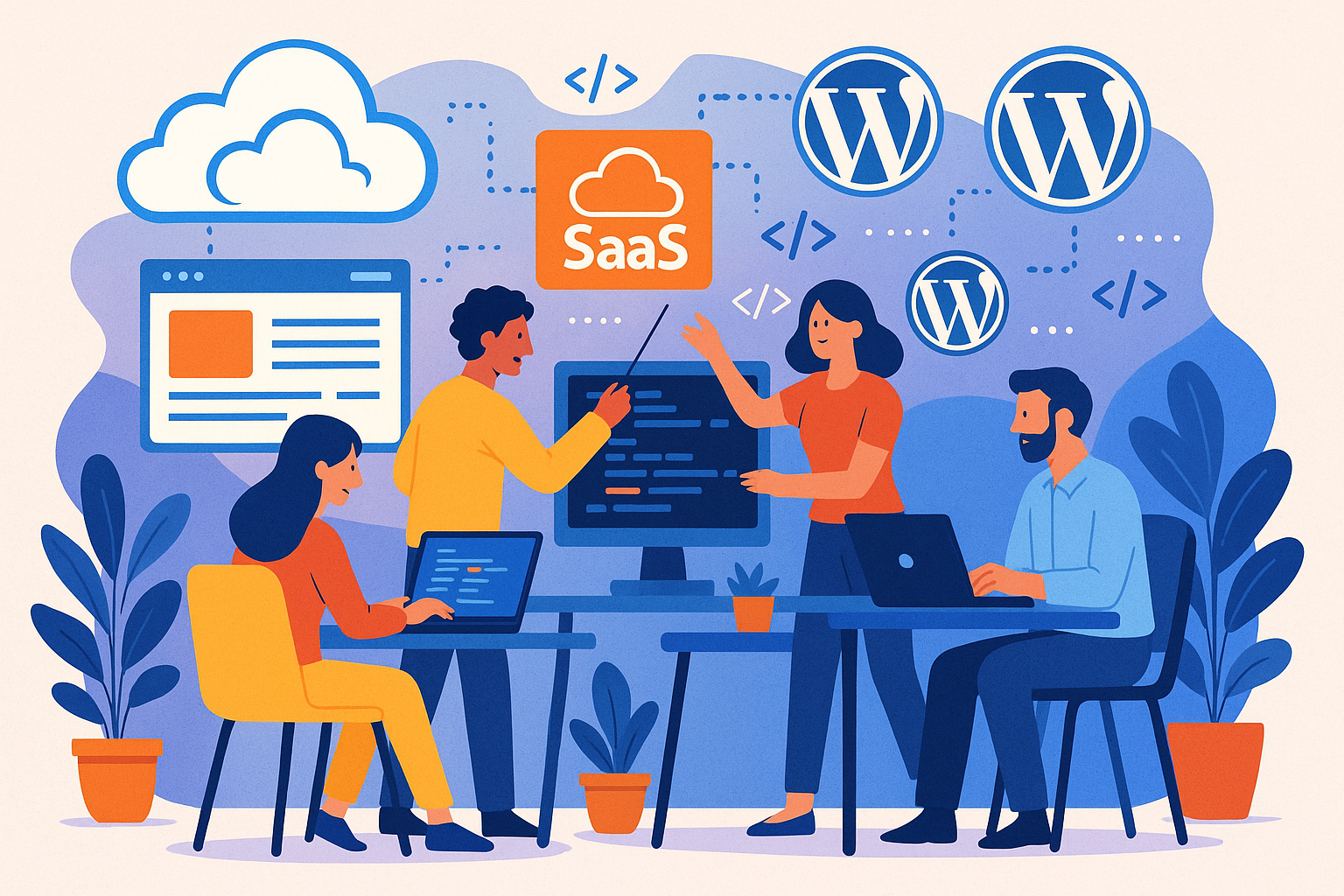
Facing the Integration Challenge
As a web developer, you’ve probably encountered the complexities of integrating various services into WordPress. The need to enhance functionality without compromising performance is a common hurdle. Let’s explore how integrating Software as a Service (SaaS) solutions can streamline your workflow and elevate your projects.
Understanding SaaS Integration
SaaS refers to cloud-based applications accessible over the internet, offering functionalities like CRM, email marketing, and project management. Integrating these services with WordPress can provide seamless user experiences and robust backend operations.
Benefits of SaaS Integration for Web Development Teams
- Enhanced Functionality: Incorporate advanced features without reinventing the wheel. For instance, integrating a CRM like Salesforce can centralize customer data management.
- Improved Efficiency: Automate routine tasks such as email marketing campaigns or project tracking, allowing your team to focus on core development tasks.
- Scalability: SaaS solutions often offer flexible plans, enabling you to scale services as your project grows without significant infrastructure changes.
- Cost-Effectiveness: Reduce the need for in-house development of complex features, saving both time and resources.
Practical Steps to Integrate SaaS with WordPress
1. Identify Your Needs
Assess your project’s requirements to determine which SaaS solutions align with your objectives. For example, if your project requires robust project management, tools like Asana or Trello can be integrated to streamline workflows.
2. Choose the Right Integration Method
Depending on the SaaS platform, integration can be achieved through plugins, APIs, or custom development. WordPress offers a variety of plugins that facilitate these integrations, such as WP Fusion for CRM connections or Mailchimp for WordPress for email marketing.
3. Implement and Test
After selecting the appropriate method, implement the integration in a staging environment. Thoroughly test to ensure compatibility and performance standards are met before deploying to production.
4. Monitor and Optimize
Post-integration, continuously monitor the system’s performance. Gather feedback to identify areas for optimization, ensuring the integration continues to meet your project’s evolving needs.
Real-World Example: Lines + Pixels
At Lines + Pixels, we recently integrated a SaaS-based project management tool into our WordPress workflow. This integration allowed our team to manage tasks, timelines, and client communications more effectively, leading to a 30% increase in project delivery speed. By leveraging SaaS solutions, we enhanced our development process and delivered higher-quality results to our clients.
Conclusion
Integrating SaaS with WordPress offers web development teams a strategic advantage by enhancing functionality, improving efficiency, and providing scalability. By thoughtfully selecting and implementing these integrations, you can create more dynamic and responsive websites. Ready to explore how SaaS integration can benefit your next project? Let’s discuss: Lines + Pixels (https://linesandpixels.team/contact/)