The Landscape in 2026
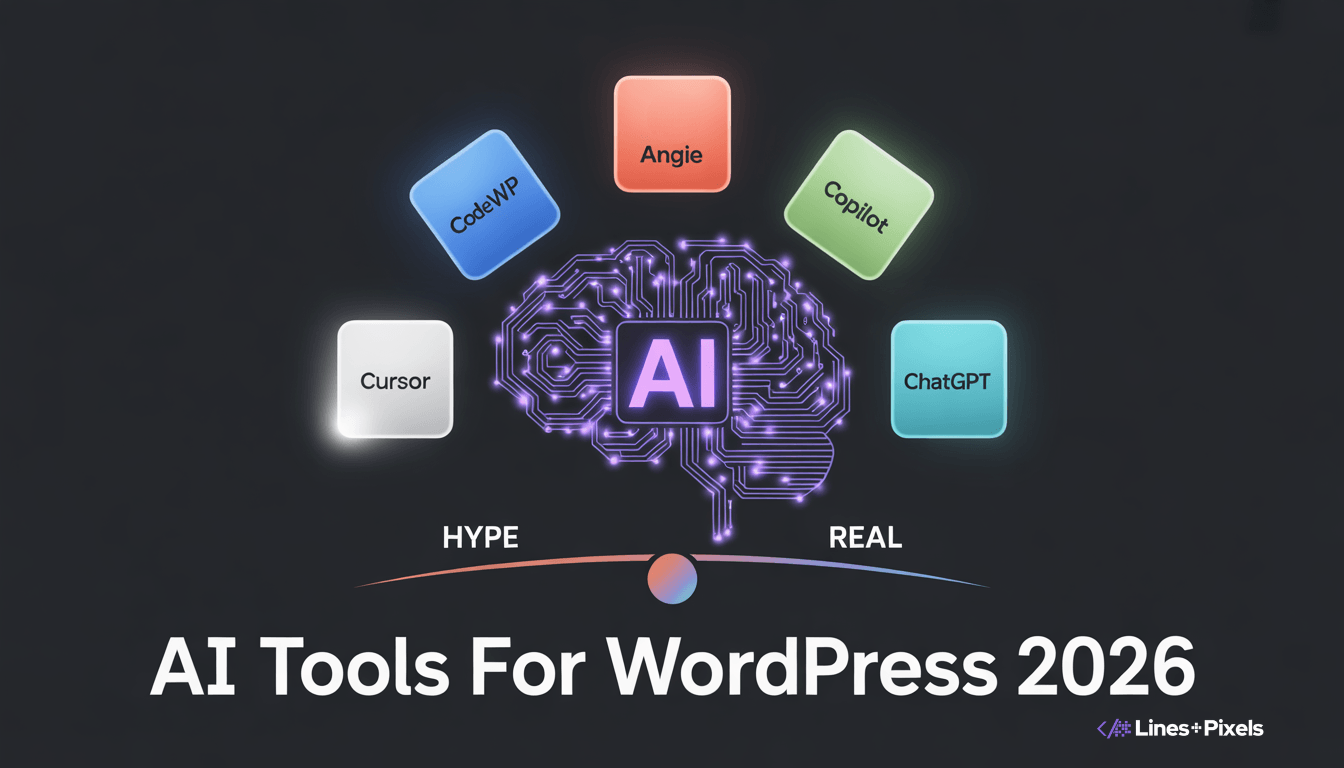
AI coding assistants for WordPress crossed a meaningful threshold in 2026. Writing every line of PHP, CSS, and JavaScript from scratch is no longer the baseline expectation for professional WordPress development (CreatePressHub, 2026). But not all AI tools are created equal — some save hours, others create more debugging work than they prevent.
We tested the most prominent tools across real client projects. Here’s what we found.
The Winner: Angie by Elementor (Free)
Angie is a free, standalone WordPress plugin that acts as an agentic AI framework inside your installation. It uses the Model Context Protocol (MCP) to read your site’s actual structure — active plugins, custom post types, database schema — before generating any code (Elementor.com, 2026).
The practical difference is significant. Ask Angie to build a custom widget that pulls data from a specific ACF field setup, and it returns code referencing your actual field names — not placeholder variables. If the code throws a fatal error, Angie catches it in a sandbox, rewrites the code, and tries again. You never see the white screen of death (Elementor.com, 2026).
Pricing: Free WordPress plugin (Elementor.com, 2026).
Best for: Context-aware WordPress asset creation — custom post types, admin snippets, Elementor widgets.
Limitation: Requires installation on the target WordPress environment.
Best for PHP Snippets: CodeWP ($18/month)
CodeWP is purpose-built for WordPress-specific snippet generation. Every prompt processes through
WordPress-trained models that understand WooCommerce, Elementor, ACF, and dozens of other plugin
contexts natively (CreatePressHub, 2026). Describe what you need in plain English and it returns PHP,
JavaScript, or CSS that follows WordPress coding standards.
Pricing: $18/month (CreatePressHub, 2026).
Best for: Developers who need accurate, ready-to-use snippets quickly.
Limitation: Complex multi-file plugin projects still need a full dev environment.
Best for Refactoring: Cursor AI ($20/month)
Cursor AI is a code editor (fork of VS Code) with built-in AI that understands your entire codebase. It’s the
best tool we’ve found for multi-file plugin refactoring — it can rename functions across 15 files, suggest
performance optimizations, and generate unit tests (CreatePressHub, 2026). The team at Smackcoders
reported that Cursor reduced their custom plugin development time by nearly 30% (Smackcoders, 2026).
Pricing: $20/month (CreatePressHub, 2026).
Best for: Multi-file plugin development and complex refactoring.
Limitation: Requires codebase-level context; doesn’t know your WordPress environment natively.
The Overrated: GitHub Copilot ($10/month)
Copilot is great for general IDE autocomplete, but it has low WordPress-specific knowledge (CreatePressHub, 2026). It generates code based on patterns from public repositories — which means it frequently forgets WordPress-specific functions like wp_nonce_field(), esc_html(), and proper data sanitization. Every Copilot-generated snippet needs manual security review. For WordPress-specific work, Angie and CodeWP
Page Builder AI: Elementor AI ($168+/year)
Elementor AI sits directly inside the Elementor Editor. It generates custom CSS, HTML snippets, container
layouts, text content, and images — all within the visual builder (Elementor.com, 2026). With 1.5 million+ active users and 16 million+ prompts generated, it’s the most widely adopted visual AI assistant in WordPress (Elementor.com, 2026).
Where it excels: micro-animations, hover effects, and specific CSS targeting. Where it falls short: backend PHP, custom plugin logic, and anything outside the Elementor DOM.
Our Daily Stack
We use Angie for on-site WordPress asset creation, Cursor for multi-file plugin work, and CodeWP for quick snippet generation. We review every line of AI-generated code before it touches production. AI is an accelerator, not a replacement for knowing what good WordPress code looks like.
Accelerate Your Development with Smart Human Oversight
AI won’t replace WordPress developers in 2026. But developers who use AI will replace developers who don’t. The productivity gap is real and growing. Start with one tool, learn its limitations, and build from there.
Want to see how we use Angie and Cursor on real projects? Contact us at Lines + Pixels: https://linesandpixels.team/
References: